
How to Register and Login on GoShare App
Step by Step Guide
Everything you need to get started on GoShare Link WhatsApp earning app. This guide covers how to download the GoShare APK, create your account, use the referral code, complete GoShare login, and connect WhatsApp to start earning from day one.
GoShare is one of the most popular WhatsApp earning apps in India right now, and getting started takes less than five minutes. Whether you want to download the GoShare APK, register a new account, or simply find the GoShare login page, this complete guide walks you through every step clearly and simply. By the end of this page you will have a fully active GoShare account, your referral code applied, and WhatsApp connected so you can start earning immediately.
GoShare operates as both an Android APK application and an H5 browser based platform, which means you do not even need to install anything if you prefer using your mobile browser. Both options give you access to the same earning dashboard, referral system, and withdrawal features.
Part 1: How to Download GoShare APK on Android
The first step to getting started with GoShare is downloading the official GoShare APK file on your Android phone. GoShare is not available on the Google Play Store, so you need to download it directly from the official website at goshares.app. This is completely safe as long as you download only from the official source.
Yes. The GoShare APK available on goshares.app is the official version. Always download only from goshares.app and never from third party sources or unknown websites to protect your device and personal data at all times.
Open goshares.app on Your Phone
Open Chrome or any browser on your Android phone and go to goshares.app. This is the only official source for the GoShare APK download.
Tap the Download GoShare APK Button
Click the green Download GoShare APK button on the homepage. The APK file will begin downloading to your phone automatically. The file size is approximately 14 MB so it downloads quickly on any connection.
Enable Install from Unknown Sources
If your phone shows a warning about installing from unknown sources, go to Settings, open Security or Privacy, and toggle on Install Unknown Apps for your browser.
Install the GoShare APK
Open your File Manager, find the downloaded GoShare APK file in your Downloads folder, tap it, and select Install. The installation completes in seconds.
If you prefer not to install an APK, you can skip the download entirely and use H5 GoShare directly in your mobile browser. The H5 version has all the same features and works on both Android and iOS without any installation required.
Part 2: How to Register on GoShare and Create Your Account
Once GoShare is installed or open in your browser, creating your account takes less than two minutes. The GoShare registration process requires only basic information and a working phone number or email address. Most importantly, make sure you enter your referral code before submitting your registration to claim your welcome bonus.
Open GoShare and Tap Register
Open the installed GoShare app or visit the H5 GoShare link in your browser. On the welcome screen, tap the Register button to begin creating your new account.
Enter Your Phone Number or Email
Type in your active phone number or email address. This will be your GoShare username for login, so use an address or number you have regular access to at all times.
Create a Strong Password
Choose a strong password with a mix of letters and numbers. Do not use your bank PIN or any password you use elsewhere. Store your GoShare password safely so you can log in again at any time.
Enter GoShare Referral Code 74024726
Look for the field labeled Invitation Code or Referral Code on the registration form. Enter 74024726 before submitting. This step is required to receive your welcome bonus.
Verify Your Account via OTP
GoShare will send a verification code to your phone number or email. Enter the OTP in the verification field within the time limit. Once verified, your GoShare account is activated and your welcome bonus is credited.
Important: Use a secondary WhatsApp number when connecting to GoShare for privacy. Never share your GoShare password, OTP, or bank details with anyone including people who claim to be from the GoShare support team.
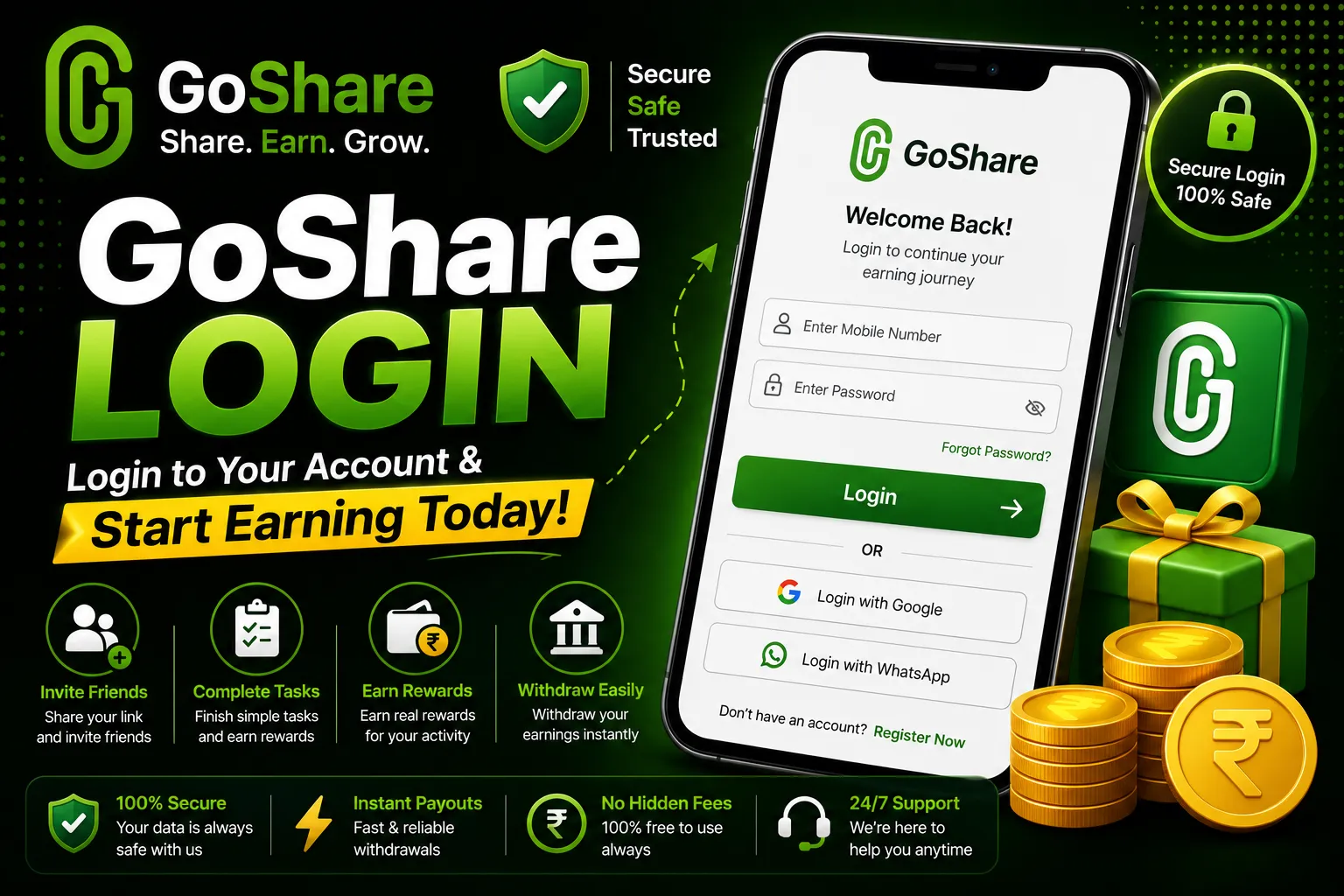
Part 3: How to Login on GoShare App
After completing registration, accessing your GoShare account is simple. The GoShare login works the same way whether you are using the APK or the H5 browser version. Your login credentials are the phone number or email and password you set during registration.
Open GoShare App or Browser Link
Open the GoShare app from your phone home screen, or visit goshares.app/goshare-login in your mobile browser to access the login page directly.
Enter Your Registered Credentials
Type in the phone number or email address you registered with, followed by your password. Double check there are no spaces before or after your credentials to avoid a failed login attempt.
Tap Login and Access Your Dashboard
Tap the Login button. Your GoShare earning dashboard loads immediately, showing your current balance, available tasks, referral link, and withdrawal options.
- Clear your browser cache and cookies then try again
- Switch from Chrome to Firefox or vice versa
- Make sure your internet connection is stable and active
- Double check your phone number or email for typing errors
- Try the H5 GoShare browser version if the APK is unresponsive
- Use the Forgot Password option to reset your credentials
- Join the GoShare Telegram channel for live support from the team
Part 4: How to Connect WhatsApp and Start Earning
Once you are logged in to your GoShare account, the next step is connecting your WhatsApp account to unlock link sharing tasks and start generating your first earnings. This is where GoShare becomes a real daily income tool.
Go to the Activities Section
From your GoShare dashboard, tap on Activities or Tasks in the navigation menu. This section shows all available earning opportunities for your account today.
Connect Your WhatsApp Account
Tap the WhatsApp connection option and follow the prompts to link your WhatsApp. A secondary WhatsApp number is strongly recommended for privacy. Keep your primary personal number separate from your GoShare activity.
Copy Your GoShare Earning Link
Once connected, GoShare generates your unique promotional link. Copy it from your dashboard and paste it into your WhatsApp groups, broadcast lists, and status. Every click someone makes on your link earns you a commission tracked live in your dashboard.
Complete Daily Tasks for Extra Income
Check your GoShare task board daily for short activities like video views, surveys, and app downloads. Completing all tasks every day adds ₹150 to ₹500 on top of your link sharing earnings and keeps your streak bonus growing.
What You Can Earn After Registering on GoShare
After completing your GoShare registration and setting up your account, your daily earning potential depends on how actively you use the platform. Here is what most active GoShare users earn across the different income streams available on the platform.
Withdrawals start at just ₹100 and process to your bank account, UPI, or crypto wallet within 2 to 6 hours. There are zero withdrawal fees on all payment methods, meaning every rupee you earn goes directly to you.
Quick Tips After Completing GoShare Registration
New users who follow these steps right after registration consistently earn more from day one than those who skip any of them. Take five minutes after creating your account to complete this checklist.
- Apply referral code 74024726 during registration before you submit, it cannot be added after
- Use a secondary WhatsApp number to connect to GoShare to protect your primary account
- Share your referral link in at least 5 WhatsApp groups on your first day
- Complete all available tasks on the GoShare dashboard every single day without missing
- Log in daily to maintain your attendance streak and increase your daily login bonus
- Withdraw as soon as you reach ₹100 to confirm the platform is paying correctly
- Join the official GoShare Telegram channel for daily updates, new tasks, and support
- Invite friends using your personal GoShare referral code to earn ₹460 per successful referral
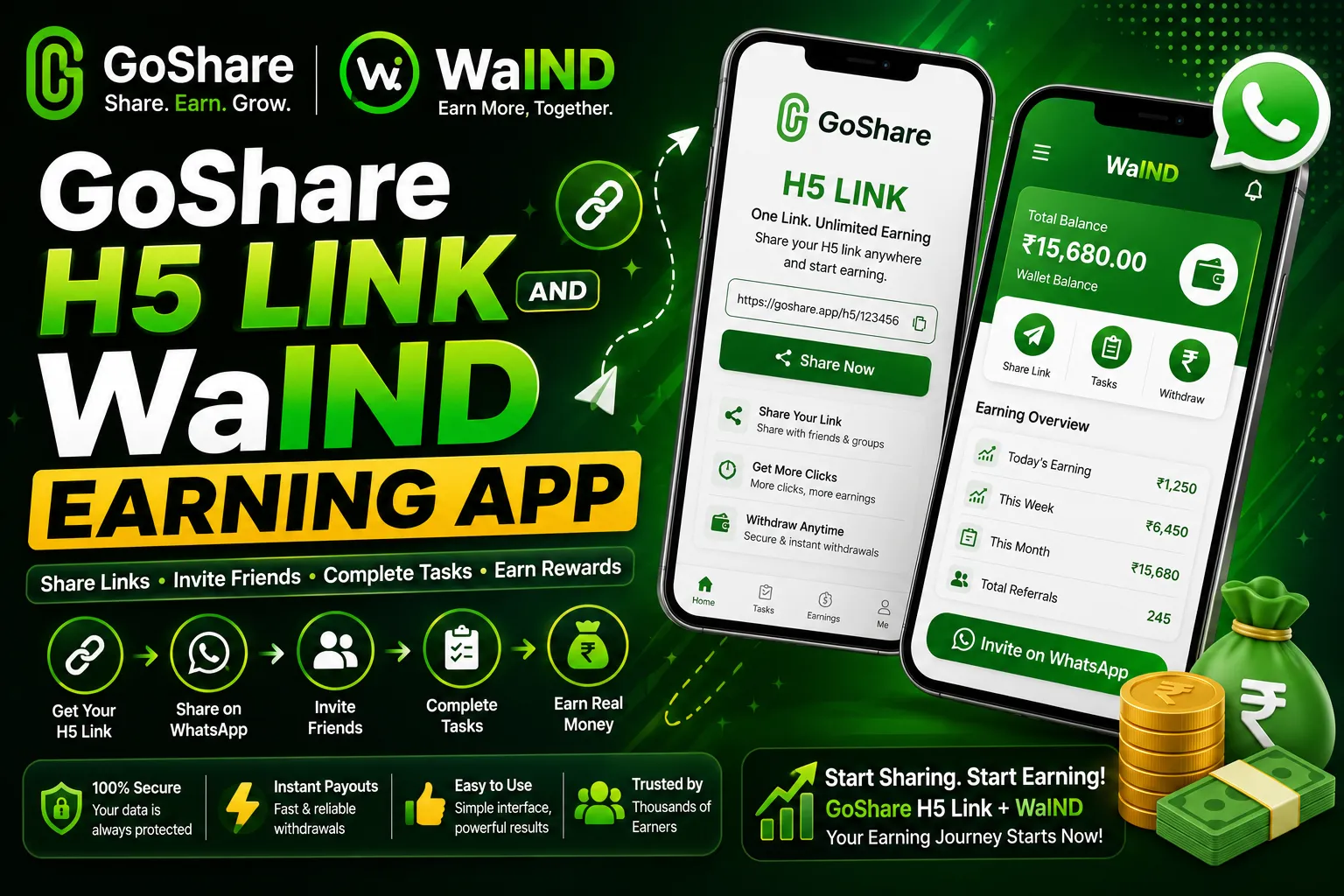
After setting up your GoShare account, also register on WaIND, a brand new WhatsApp earning platform that launched in 2026 and is giving massive rewards to all new users during the launch period. WaIND is fully web based with no download needed. Register free via the Telegram link below and claim your launch bonus before the offer ends.
🆕 Register on WaIND and Claim Launch BonusFAQs
Common questions about GoShare registration, login, referral codes, and account setup answered in one place.
Download GoShare APK from goshares.app or open the H5 GoShare link in your browser. Tap Register, enter your phone number or email, create a password, and enter referral code 74024726 in the invitation code field. Verify your account via OTP and your GoShare account is activated immediately with your welcome bonus credited.
The GoShare login page is available at goshares.app/goshare-login in your mobile or desktop browser. You can also open the installed GoShare APK and tap Login on the welcome screen. Enter your registered phone number or email and your password to access your earning dashboard.
Enter referral code 74024726 in the Invitation Code or Referral Code field during GoShare registration. This is the primary verified active code for July 2026 that credits a welcome bonus instantly to your new account. Make sure to enter it before tapping Register as it cannot be added after your account is created.
Yes. GoShare also works as an H5 web application that runs directly in any mobile browser without requiring you to download or install the APK. Simply visit the GoShare H5 link in Chrome or Firefox on your phone, tap Register, and create your account instantly. The H5 version has identical features to the APK version.
If your GoShare login is not working, clear your browser cache and cookies, switch to a different browser such as Chrome or Firefox, verify your internet connection is stable, and double check that your phone number or email and password are entered correctly without spaces. If the APK is unresponsive, try logging in through the H5 GoShare browser version instead. For persistent issues, join the GoShare Telegram channel for direct support.
GoShare registration takes approximately 3 to 5 minutes from start to finish. This includes downloading the APK if needed, filling in your details, entering referral code 74024726, and completing OTP verification. Once your account is confirmed you gain instant access to your earning dashboard and can start sharing links immediately.
No. GoShare registration is completely free with no sign up fee, subscription charge, or deposit required. You can create an account, start sharing links, complete tasks, and earn money without spending a single rupee. The platform earns through its advertiser partnerships and shares that income with active users through the earning system.
Register on GoShare Now and Start Earning Today
You now have everything you need to download the GoShare APK, register your account, use the referral code, complete GoShare login, and start earning up to ₹2500 daily from WhatsApp.